







How to sell clothes and electronics online in Karachi
Run a fashion, shoe, electronics or home goods shop? Open an always-open Markett store on Urbanese and sell to customers across Karachi. Free to join.
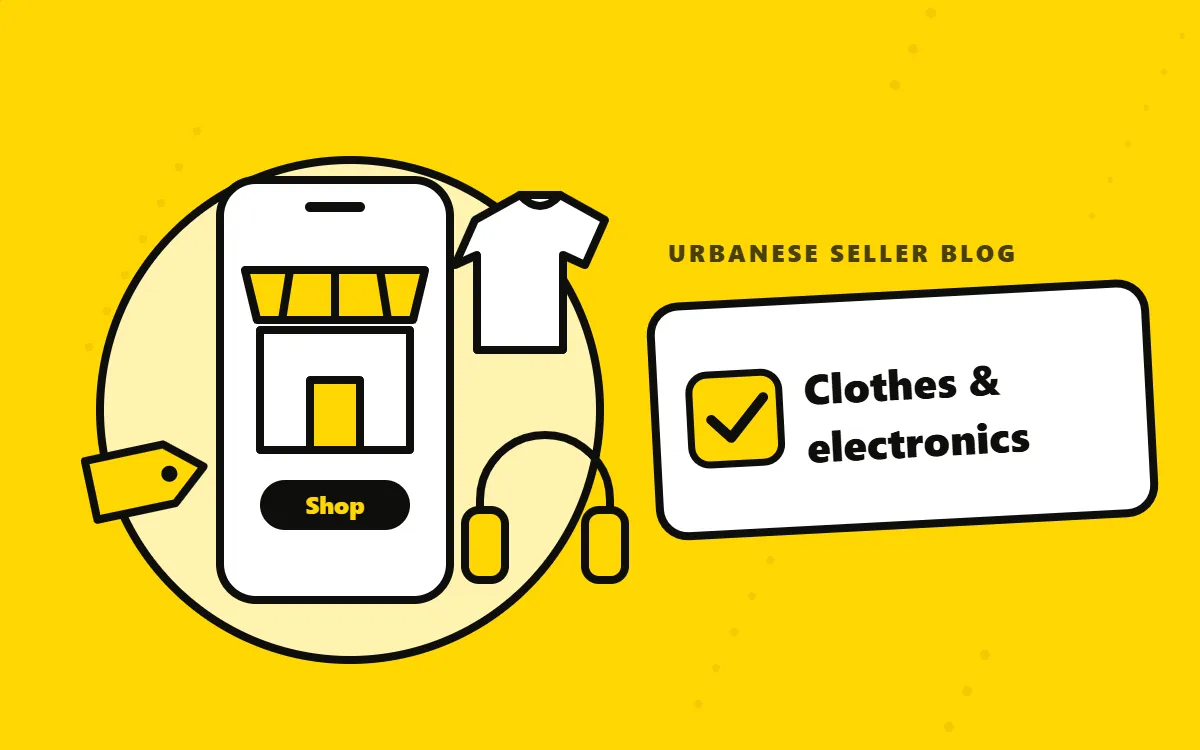
Customers in every part of Karachi now shop for clothes, shoes, phones and home goods on their phones. If you run a shop like that, Markett on Urbanese gives you an online storefront without building your own website or app. Registration is free.
Who Markett is for
Markett is Urbanese’s retail business type. It suits:
- Fashion, footwear and accessories shops
- Electronics and gadget sellers
- Home, lifestyle and general goods stores
Why Markett works for retail
- Always open. There are no opening hours to manage, so customers can order at any time.
- Every zone. Your store can serve customers in every zone, not only the ones near your shop.
- Brands on your products, so shoppers searching for a brand find you.
- Variations, done properly. Sell one kurta in size × colour combinations, each with its own price, stock and image.
- Stock tracking with units, and low-stock warnings on your dashboard.
Step 1: Register (Rs 0)
Register on the Seller Centre website or in the Seller Centre app. Choose Markett as your business type, pick your city and area, and place your store pin on the map.
Have ready your CNIC (or NICOP, passport or driving licence), front and back, a proof of address, and a square store logo. See the full checklist.
Step 2: Get approved and add your payout account
Most stores are approved within 24 to 48 hours, and we’ll email you. Add your payout account straight away.
Step 3: List your whole range
There are no product limits. Use the item form, the AI assistant, or AI Product Listing to turn a price list or catalogue into listings.
Step 4: Receive orders and get paid
Orders move from Pending to Delivered in your Vendor Panel. Earnings pass through a short reserve, then pay out automatically or on request.
Tips for fashion and electronics sellers
- Set up variations instead of separate items. One listing with every size and colour is easier to shop than ten near-copies.
- Put the brand and model in the name: “Samsung 25W Fast Charger”, not “Charger”.
- Show each colour in its own photo, so customers see exactly what they’ll get.
- Keep stock per variation accurate. Running out of “Medium, Black” after an order is placed costs you a customer.
- Describe sizes and specs clearly to cut down on returns.
Start selling on Markett
Related reading
Ready to put this into practice? Become a Vendor or read How to Become a Vendor.