









Product photos and prices that sell
Simple, practical tips for Urbanese vendors on product photos, names, descriptions and pricing, so customers trust your listings and order more often.
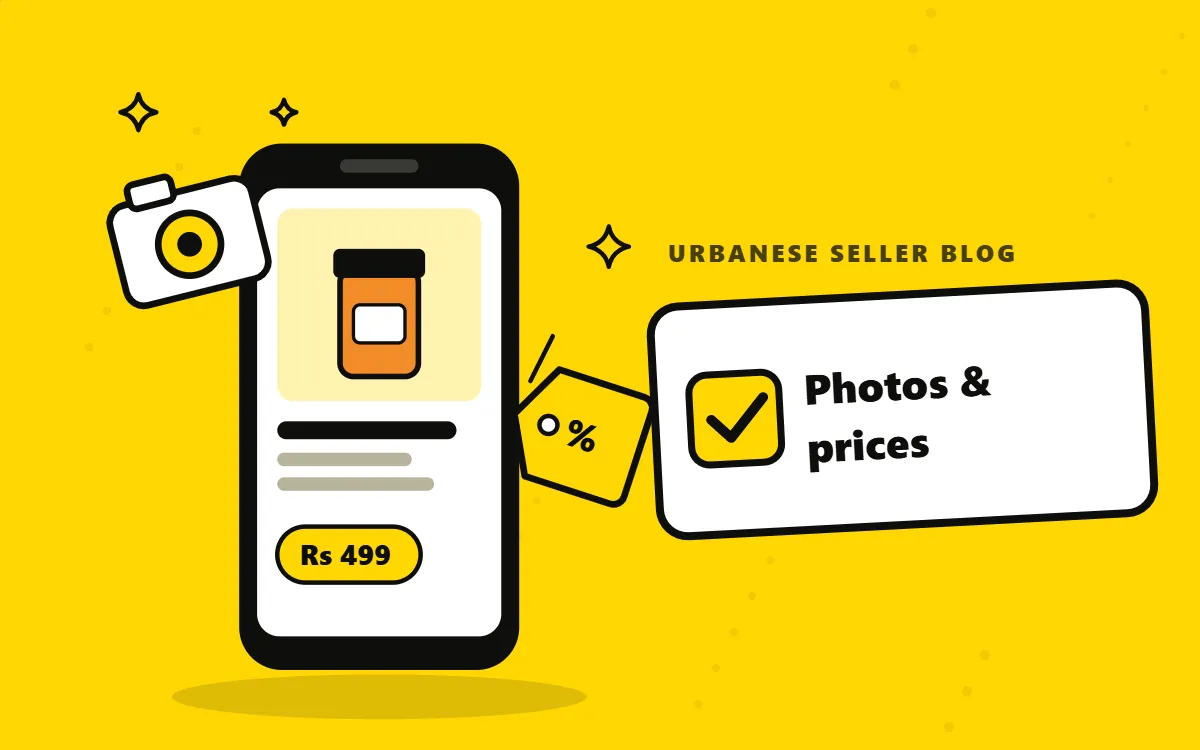
Online, your listing is your shop window. Customers can’t pick up your product, so they decide from the photo, the name and the price. Small improvements to all three can mean more orders, and listings on Urbanese are currently free, so every product you list well is worth it.
Photos: show exactly what the customer gets
- Use your own photo of the real product, not a blurry screenshot or someone else’s image.
- Shoot in daylight, near a window, against a plain background.
- Fill the frame with the product, and keep it sharp and straight.
- Add extra images for different angles, sizes or what’s in the box. Every item can have a thumbnail and extra images.
- For food, photograph the real portion: a full plate, not a close-up of a garnish.
- Your store logo should be square, and a wide cover photo makes your store page look finished. Keep uploads under 2 MB.
Names: write what customers type
Customers search, so name products the way they would search for them. Include the brand, the product, and the size, weight or quantity:
- “Item 23” won’t be found.
- “Olpers Milk 1 Litre” or “Men’s Black Formal Shoes, Size 42” will.
You have up to 191 characters, but clear and specific beats long.
Descriptions: answer the questions before they’re asked
Use the description (up to 1,000 characters) for what the photo can’t show: material, ingredients, size guide, flavour, warranty, or what’s included. Short lines are easier to read on a phone. If writing isn’t your thing, the AI assistant in the item form can draft a description from a photo or a few words.
Prices: be accurate and be clear
- Show your real price, with no surprises at checkout.
- Any discount must be less than the price. Use discounts for real offers, not to make a normal price look special.
- Keep prices up to date when your costs change.
- Bundle items customers buy together, such as a meal deal or a gift set, to raise the order value.
Keep it honest
Mark items out of stock when they are, and set low-stock warnings so you know before you run out. Accurate listings mean fewer cancellations, fewer refunds and better reviews.
Do it fast with AI
AI Product Listing turns a photo of your price list or menu, a PDF, a Word file or a website link into listings. Then you just check the photos and prices. Read the listings guide.
Not on Urbanese yet? Register free.
Related reading
Ready to put this into practice? Become a Vendor or read How to Become a Vendor.