








How to sell groceries online in Karachi
A step-by-step guide for Karachi kiryana stores, marts and fresh produce sellers: register free on Urbanese, list your stock and start taking delivery orders.
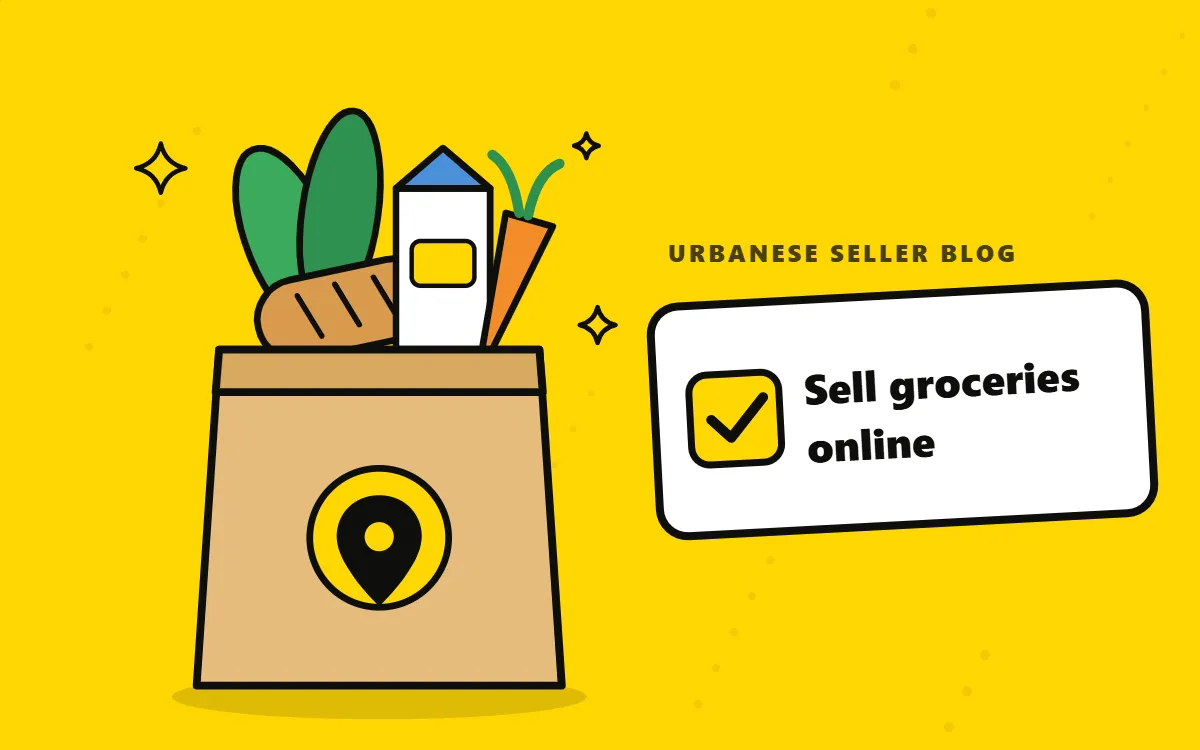
Customers across Karachi already order their daily essentials on their phones. If you run a kiryana store, a mart or a fresh produce shop, Urbanese lets you sell to them without building your own website or app. Registration is free, and you pay commission only on what you sell.
Who the Grocery business type is for
Grocery on Urbanese is built for supermarkets and marts, fresh produce sellers, and general and convenience stores. Your customers are people shopping for groceries and daily essentials near them.
Step 1: Register your store (Rs 0)
Register on the Seller Centre website or in the Urbanese Seller Centre app for Android and iPhone. Choose Grocery as your business type, pick your city and area, and place your store pin on the map so customers nearby can find you.
Have these ready:
- Your CNIC (or NICOP, passport or driving licence), front and back
- A proof of address: a utility bill, bank statement or account maintenance certificate
- A square store logo (under 2 MB) and, if you like, a wide cover photo
- Your store name, address and approximate delivery time
Registered companies also add their company name, NTN number and incorporation certificate. Read the full checklist.
Step 2: Get approved
Most stores are approved within 24 to 48 hours, and we’ll email you when yours is. Add your payout account straight away, so your earnings have somewhere to go.
Step 3: List your products, all of them
There are no product limits, so list your whole range. You don’t have to type every item yourself:
- AI Product Listing turns a photo of your price list, a PDF, a Word file or a website link into product listings.
- Bulk import adds many items at once.
- The AI assistant in the item form writes names and descriptions for you.
Grocery stores also get tools made for groceries: stock tracking by unit (kg, litre, piece), organic and halal tags, and nutrition and allergen details.
Step 4: Keep your stock accurate
Set a minimum stock level, and your dashboard will warn you when an item is running low. Customers who order something you don’t have may not come back, so keep stock honest. You can also set a minimum processing time before scheduled orders start.
Step 5: Receive and deliver orders
Orders move from Pending to Delivered in your Vendor Panel. Choose how they reach the customer: use Urbanese riders, deliver yourself, or add your own delivery staff. If an order is refused at the door, it can be rescued and resold, and you’re still paid in full.
Step 6: Get paid
Your earnings pass through a short reserve, then pay out automatically or when you request them.
Tips for grocery sellers
- Name products the way customers search: “Sugar 1 kg”, not “Item 104”.
- Use a clear photo for every item. Fresh produce especially sells on looks.
- Price accurately, and set any discount below the price.
- Keep your opening hours and delivery time realistic, so customers trust your store.
Start selling groceries online
More than 600 active stores already sell on Urbanese. Register your grocery store free or see how Grocery works.
Related reading
Ready to put this into practice? Become a Vendor or read How to Become a Vendor.