









How to sell on WhatsApp with your Urbanese store
Turn WhatsApp chats into orders: set up WhatsApp Business, add your Urbanese store link, and use status, labels and quick replies to sell more in Karachi.
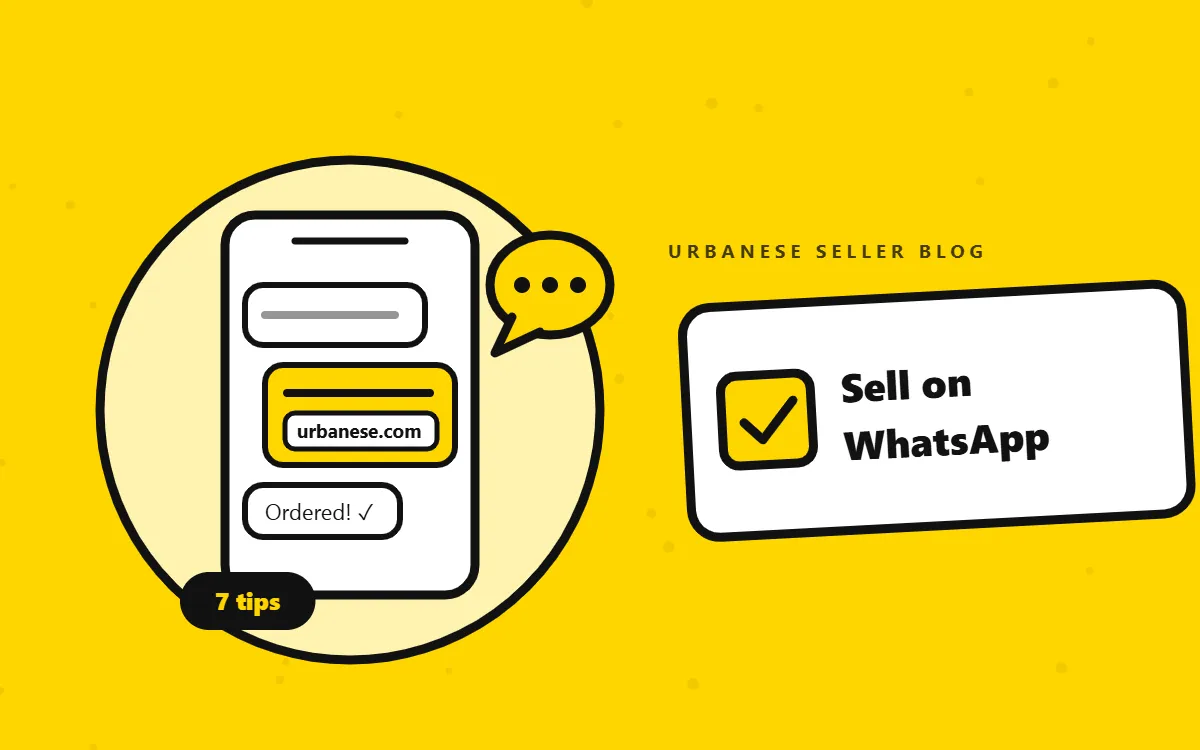
Most Karachi shops already take orders on WhatsApp. The trouble is that orders by chat are slow: questions about prices, back-and-forth on addresses, and payments to chase. Your Urbanese store fixes that. Customers keep chatting with you on WhatsApp, and place the order on Urbanese, where the price, address, payment and delivery are handled for you.
1. Switch to WhatsApp Business
WhatsApp Business is free, and you can keep your current number. It gives you a business profile, quick replies, labels and automatic messages that the normal app doesn’t have.
2. Add your Urbanese store link to your profile
In WhatsApp Business, open Settings → Business tools → Business profile and add your Urbanese store link as your website. Every customer who taps your profile can now see your full range and order.
Don’t know your store link? Ask Urbanese vendor support.
3. Set a greeting and an away message
- Greeting: “Assalam-o-Alaikum! You can see all our products and prices and order here: [your store link].”
- Away message: for after hours, so customers can still order while you’re closed.
4. Save quick replies
Save your store link as a quick reply, for example /order. When a customer asks “What’s the price?” or “Do you have it?”, reply in two taps with the link to the product or the store.
5. Post on your status every day
Share a photo of a new product, today’s offer or a coupon code, with your store link. Status is free advertising to everyone who has saved your number.
6. Use labels to follow up
Label chats as “New customer”, “Ordered” or “Asked price”. A week later, send the people who asked a price a short message with a coupon from your Vendor Panel.
7. Don’t spam
Message only customers who have contacted you, and keep it short. Too many messages get your number blocked or reported.
Why order through Urbanese instead of chat
- Prices and stock are always up to date, so there are fewer “Is this available?” messages.
- The customer enters their own address, so there’s no confusion about locations.
- Payment and delivery are tracked, and every order is in your Vendor Panel.
Not selling on Urbanese yet? Register free.
Related reading
Ready to put this into practice? Become a Vendor or read How to Become a Vendor.