






Five ways to promote your store on Urbanese
Coupons, campaigns, store banners, paid ads and your store page, all from your Vendor Panel.
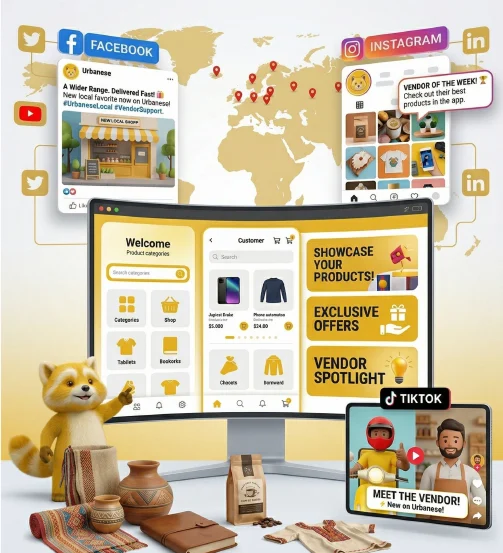
Urbanese gives you marketing tools inside your Vendor Panel, alongside the promotion Urbanese runs itself.
1. Coupons
Create discount or free-delivery coupons for your store, with a minimum purchase, a per-customer limit and start and expiry dates. Coupons are active straight away, can be switched off, and only apply to your store.
2. Campaigns
Join Urbanese-run campaigns. Your request is pending until Urbanese approves it, and you can leave at any time.
3. Store banners
Add banners to your store page (recommended ratio 3:1), each with a title, image and optional link.
4. Advertisements
Run paid in-app store or video promotions. Ads start as pending, and Urbanese approves them and records payment. A store promotion uses your profile and cover images (max 2 MB each); a video promotion takes an MP4, MKV or WEBM video (max 5 MB). You can pause, resume, copy, edit or resubmit an ad.
5. Your store page
Add an announcement, and set your SEO title, description and share image so your store looks good when shared.
Bonus: reviews and chat
Reply to item reviews, and chat with customers and delivery men from your Vendor Panel. Quick, polite replies build trust and bring customers back.
Promotion by Urbanese
Urbanese also promotes vendors with featured homepage banners, first-page visibility and social media marketing on joining.
Related reading
Ready to put this into practice? Become a Vendor or read How to Become a Vendor.