






How to sell online in Pakistan: a guide for Karachi shops
New to selling online in Pakistan? Compare your options, see what you need to start, and open a free Urbanese store if your business is in Karachi.
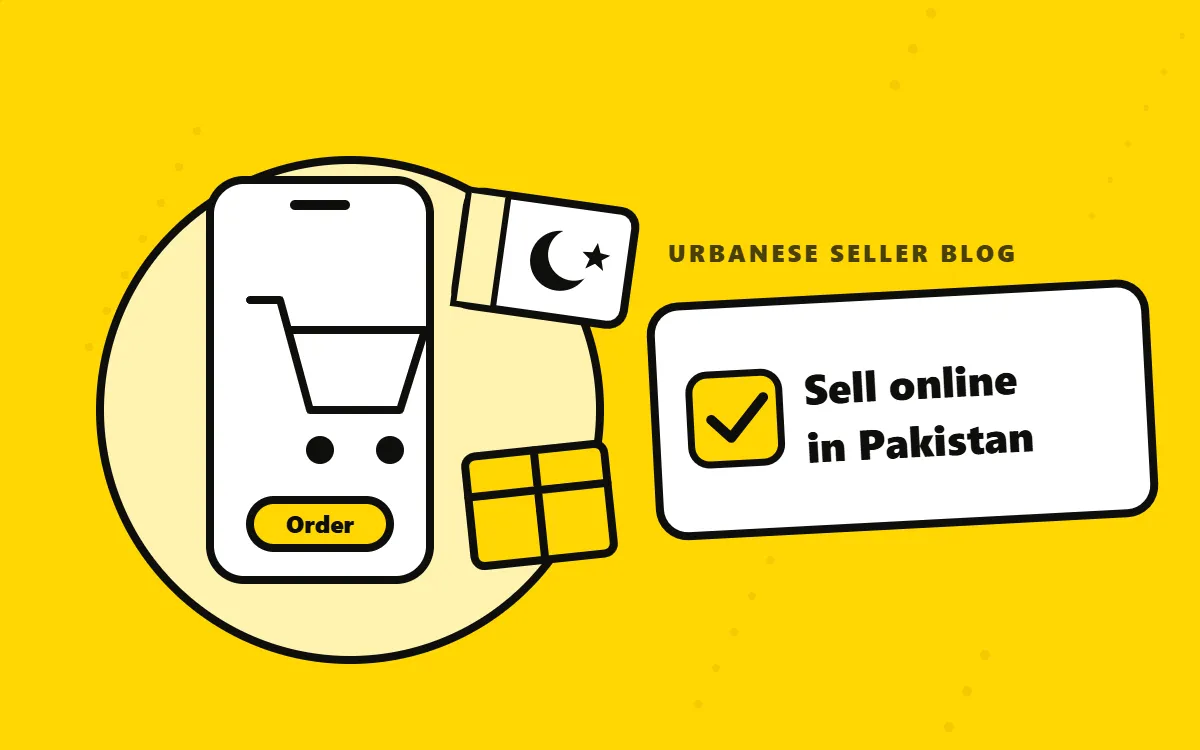
More customers in Pakistan now buy groceries, food, medicines, clothes and services on their phones. If you run a shop, a kitchen or a service business, selling online can bring you orders from people who would never walk past your door. Here’s how to start.
Your three main options
- Your own website or social media page. You keep full control, but you have to bring every customer yourself, take payments and arrange delivery.
- A nationwide marketplace. Large reach, but you compete with sellers from every city, and your products usually travel by courier.
- A local multi-service app such as Urbanese. Customers near you order from your store, and orders can be delivered the same way food and grocery orders are. Urbanese currently works in Karachi.
Many businesses use more than one. A local app works well for everyday items people want delivered quickly from nearby.
What you need before you start
- Your ID: CNIC, NICOP, passport or driving licence, front and back.
- Proof of address: a utility bill, bank statement or account maintenance certificate.
- A store name, logo and photos. A square logo and a clear photo of every product.
- Prices you can keep. Online customers compare, so keep your prices honest and up to date.
- A way to deliver. On Urbanese, you can use Urbanese riders, deliver yourself, or add your own delivery staff.
- Company papers, if you’re a company: company name, NTN number and incorporation certificate. Individual or business vendor: which should you choose?
How to start on Urbanese (Karachi)
- Register free. It costs Rs 0 to join, with no subscription and no product limits.
- Choose your business type: Grocery, Pharmacy, Markett (fashion, electronics and more), Urban Eats (food), Local Service or Digital Service.
- Get approved. Most stores are approved within 24 to 48 hours.
- Add your payout account, so your earnings have somewhere to go.
- List your products. Use the item form, the AI assistant, bulk import, or AI Product Listing to turn a price list into listings.
- Receive orders and get paid. Earnings pass through a short reserve, then pay out automatically or on request.
Tips for your first month
- List everything you sell. More products give customers more reasons to order.
- Name products the way people search: “Sugar 1 kg”, “Samsung 25W Fast Charger”.
- Keep stock accurate, so customers don’t order something you don’t have.
- Reply quickly to orders and messages.
- Ask happy customers for a review.
Start selling online
If your business is in Karachi, register your store free and start taking orders from customers near you.
Related reading
Ready to put this into practice? Become a Vendor or read How to Become a Vendor.